
🎥Custom tags in "untied"
You can create your own custom tags in "untied" in the browser (go to Custom Rules & Tags, and then Custom Tags). They can then be used in the mobile app as well.
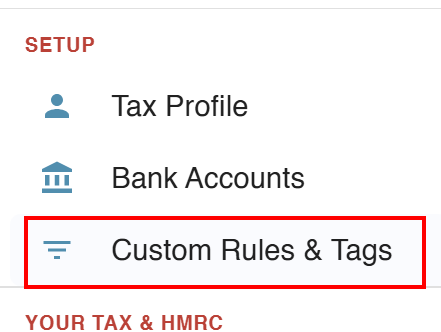
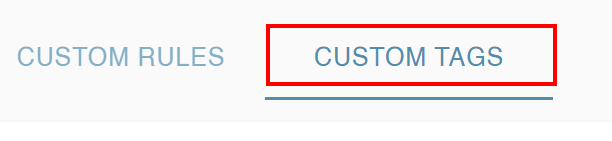
Custom tags are needed if you have income from an MTD source over £90k, or for your own reasons - such as because you want to have greater analysis of your income and expenses, or to track other things.
Some users even use untied to track personal expenses that they reclaim from their employers - in this case you can set up memo tags that are mapped to the personal main tax tag.
Custom tags in MTD
Note - important if you think the totals are too low
If you are using Custom tags in MTD and have mapped an MTD income source to them, then these will be used to populate the submissions to HMRC for that source.
Transactions tagged with the "standard" tag (mapped to simply "Business income", "Rental income" etc), will not be included in your totals in most cases if you have custom tags - you are likely to get an alert when you submit.
Income from a source over £90k
You can generate a full set of custom tags for detailed analysis.
Bulk
In Custom Rules & Tags > Custom Tags (at the top), go to Bulk MTD tags (top right - greyed out in the image), then choosing your income sources and creating the tags:
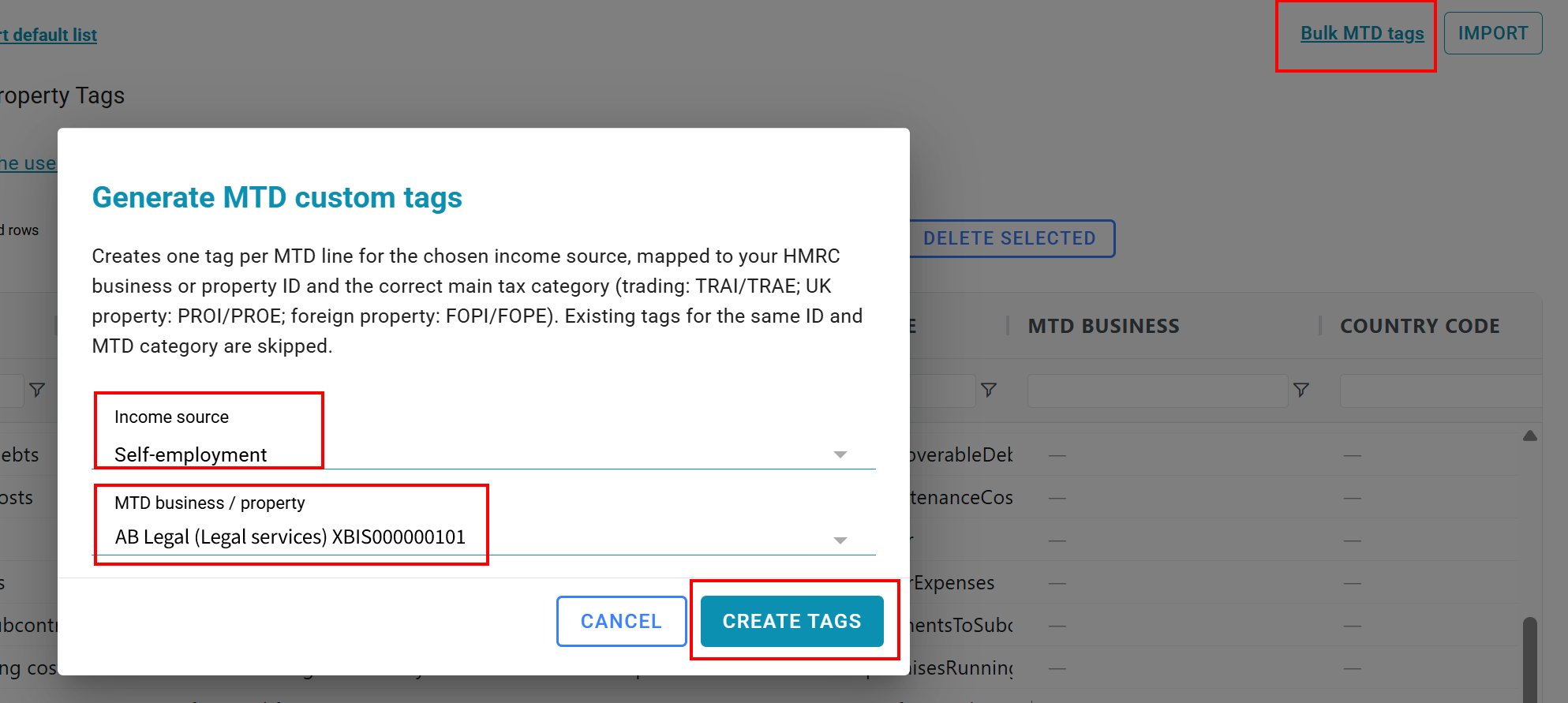
This will generate more tags than you will need - you can edit them accordingly.
Note that you should not use consolidated expenses as well as other expense tags ... it's one or the other.
Individually
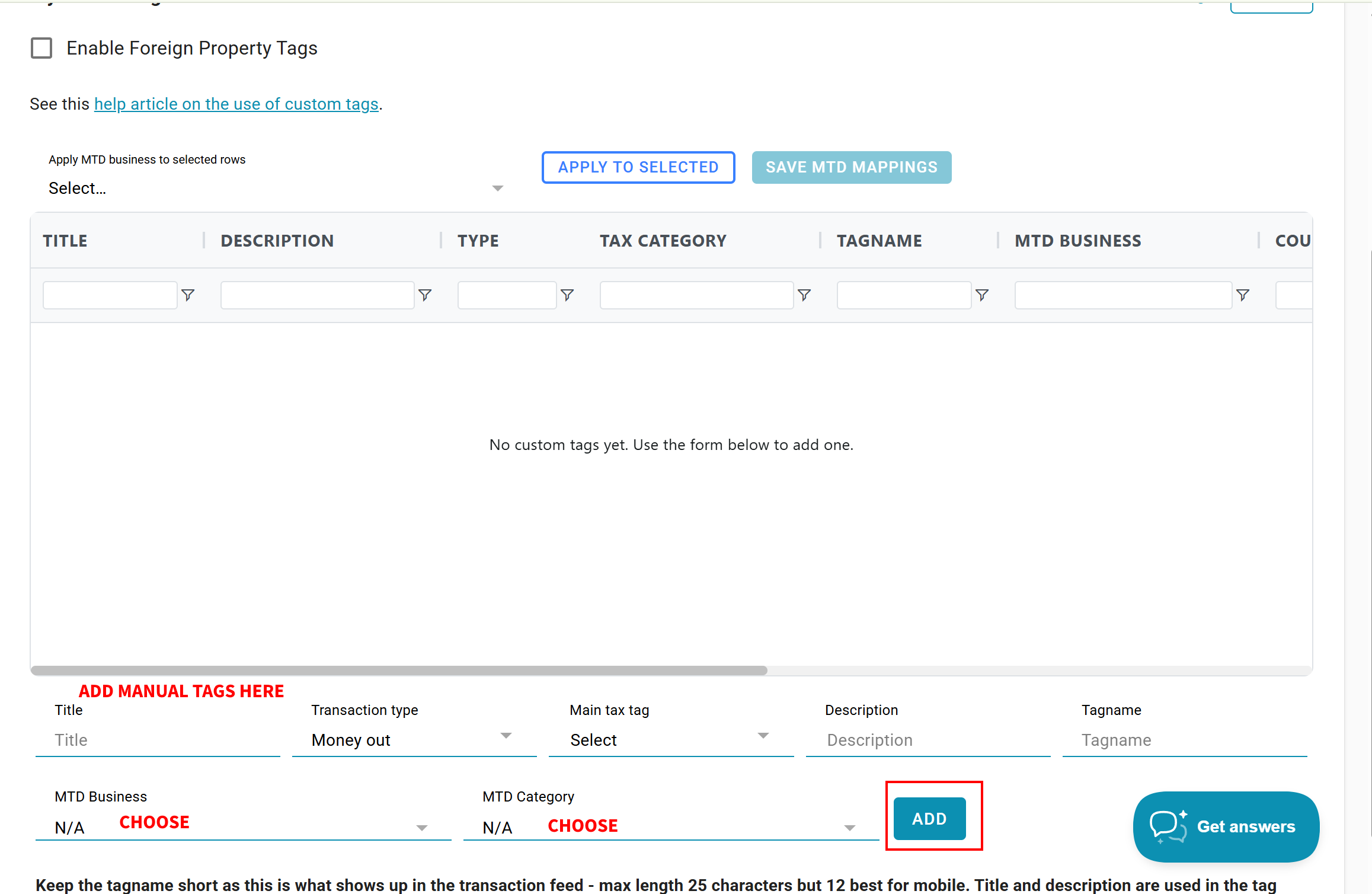
You can also add manual tags at the bottom of the page by entering the details of the tag - make sure you map it to an MTD business and MTD category. More than one tag can be mapped to each MTD category.
Multiple self employments (multiple trades)
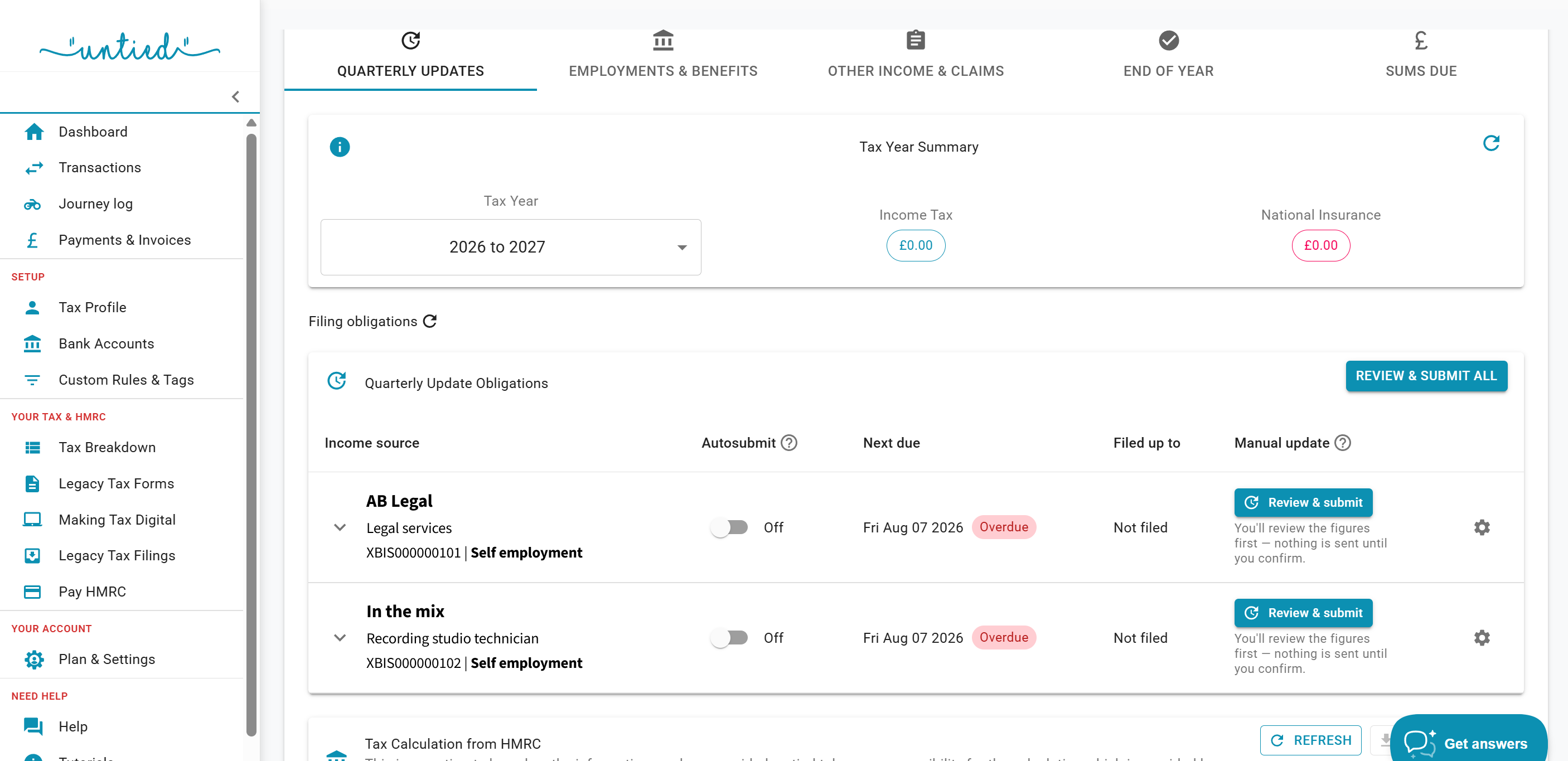
If you have multiple self employments, you will need custom tags even if the income is not more than £90k. These can be set for consolidated expenses (if it's under the £90k).
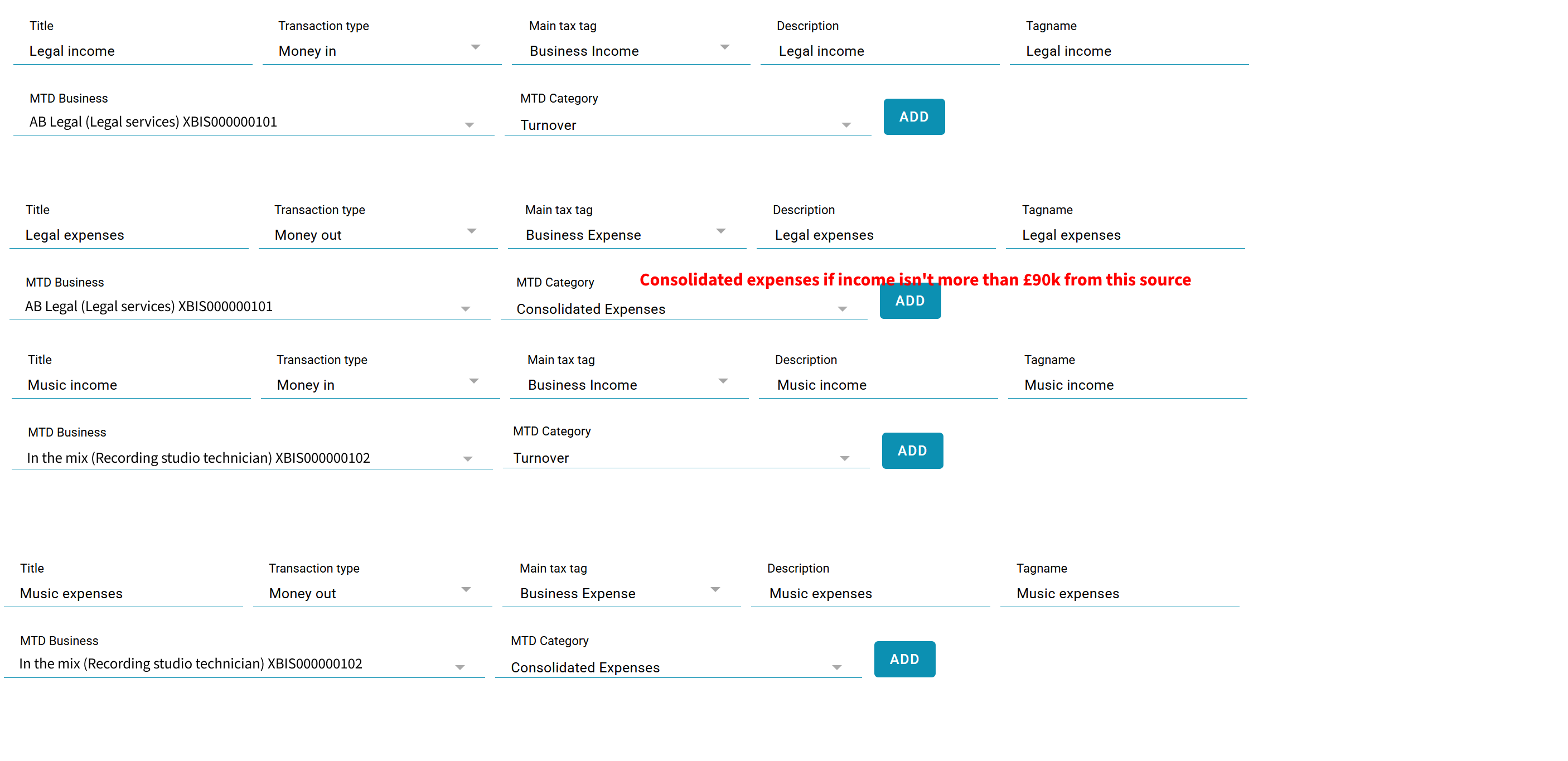
This example user has two sources - for legal services and as a studio technician.
In Custom Tags the following tags can be created (these are separate tags - they need to be added one at a time):
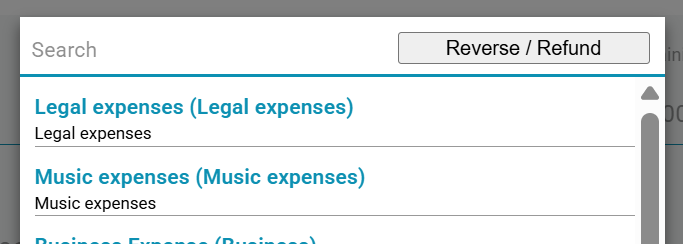
These now show in the list of tags (expanded to show full width - note you can change the dropdown for MTD Business and MTD Category.

They can also be used to tag trasactions in both the mobile app and in the browser.
Video walkthrough
This video shows some examples of using custom tags (this shows it in the old menu navigation). We apologise for the audio quality which sounds like it was recorded next to a motorway.
We can also create tags for you - just contact us and ask!